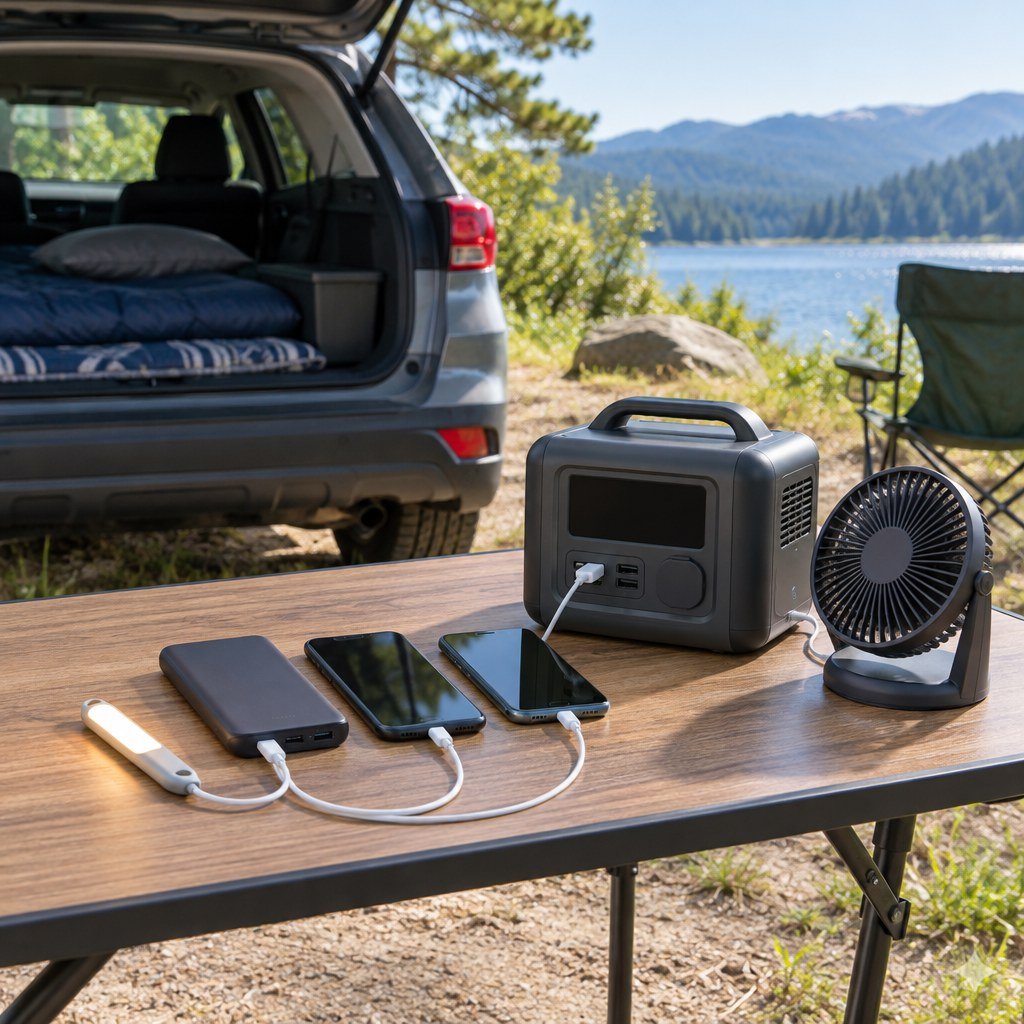
You probably do not need a portable power station just because you are sleeping in a car for two nights. If your list is two phones and a small light, a suitable power bank may be the lighter, cheaper answer. Add a fan running all night, a laptop that needs a particular USB-C profile, a fridge or anything with an AC plug, and the calculation changes.
The useful question is not “Which category is better?” It is: How many watt-hours must I deliver, through which ports, at what maximum power? Work that out before shopping and you can avoid both an oversized box and an underpowered battery.
Power bank or power station: the practical difference
Choose by your devices, not by the campsite
Start with a power bank
Best fit: phones, USB lights, cameras and a compatible USB fan.
Check: stored energy, USB-C/A ports, each port’s output and shared output when several devices charge together.
Watch for: no AC socket, conversion losses and products that quote mAh without a clear Wh label.
Step up to a power station
Best fit: a larger energy budget, AC equipment, 12V gear or several devices with different connectors.
Check: Wh capacity, continuous and surge output, individual port limits, regional socket version, size and weight.
Watch for: inverter losses, ventilation needs and assuming a watt rating tells you runtime.
Stop and recalculate
Separate plan required: fridges, heated bedding, kettles, cooking appliances, CPAP or other medical equipment.
Why: startup surges, duty cycles, temperature and device-specific safety requirements can dominate the result.
Next step: use the device manual or maker’s data, not a generic camping runtime claim.
A power bank is usually a compact battery built around USB outputs. A portable power station is normally larger and may add AC and 12V outlets.[1] Those are category descriptions, not guarantees. Some modern banks can supply laptop-level USB-C power; some stations have only one high-power USB-C port.[4][5]
Do the two-night energy calculation
Use watts (W) for the rate a device draws and watt-hours (Wh) for energy over time. A 5W fan used for eight hours needs a theoretical 40Wh. Two nights make that 80Wh. For a phone, use the battery’s Wh figure or the energy your charger or meter shows for one replenishment. Do not treat mAh alone as directly comparable unless the voltage basis is known.
Here is a deliberately hypothetical weekend, not a test of any device:
Swipe to compare →
| Load | Assumption | Two-night arithmetic | Energy before losses |
|---|---|---|---|
| Two phones | One 15Wh replenishment per phone per day | 2 phones × 2 days × 15Wh | 60Wh |
| USB light | 2W for 3 hours each night | 2W × 3h × 2 nights | 12Wh |
| USB fan | 5W for 8 hours each night | 5W × 8h × 2 nights | 80Wh |
| Phones and light | 72Wh | ||
| Phones, light and fan | 152Wh | ||
The fan changes the answer more than its modest 5W draw suggests because it runs for 16 hours. Replace every assumption with your own label, manual or measured consumption. A rechargeable fan with its own battery might need only a top-up; do not count both a full fan runtime and the same recharge twice.
The battery must store more than the devices need because conversion, cables and charging consume energy. REI advises adding a buffer rather than expecting perfect transfer.[1] There is no universal buffer, so 72Wh and 152Wh are not guaranteed shopping thresholds.
One common trap is multiplying 20,000mAh by USB’s 5V and calling the result 100Wh. If a hypothetical cell pack is rated at 20Ah at a nominal 3.6V, its stored energy is 72Wh: 20Ah × 3.6V. Anker’s label guide explains why cell capacity, output voltage and usable capacity differ.[2] That arithmetic is an example, not a verified Wh rating for every 20,000mAh bank.
Then check ports and power
Energy capacity does not tell you whether a battery can run a device. Check the connection—USB-A, USB-C, 12V DC or AC—plus the required voltage or USB Power Delivery profile. Then compare the device’s running watts and possible startup surge with the limit of the specific port and the unit as a whole. A power station manual from Goal Zero recommends exactly this sequence and treats capacity divided by load as only a starting runtime estimate because conversion has losses.[3]
A laptop does not automatically force you into a station. The Anker Power Bank (20K, 87W, Built-In USB-C Cable), for example, lists up to 65W for one device and 87W shared across three devices. Its US page listed $69.99 on October 13, 2026; the EU page listed €52.99. Those are regional snapshots, not delivered-price comparisons, and compatibility still depends on the laptop, cable and required charging profile.[4]
For contrast, the EU EcoFlow RIVER 3 lists 245Wh, 300W total AC output, one USB-C port up to 100W, a 12.6V/10A DC outlet, dimensions of 255 × 212 × 113mm and a weight of 3.55kg. It illustrates what the larger category adds, not what every camper needs. This is the EU 200–240V version; RIVER 3 UPS, RIVER 3 Plus and differently specified regional models must not be treated as the same product.[5]
Use this blank checklist before buying
Swipe to compare →
| Device | USB, DC or AC | Required voltage/profile | Watts or Wh per charge | Hours or charges | Simultaneous? | Recharge opportunity? |
|---|---|---|---|---|---|---|
| Phone 1 | ||||||
| Phone 2 | ||||||
| Light | ||||||
| Fan or other load |
Add the delivered energy, allow a reserve for losses and uncertainty, then check simultaneous loads. Fully charge everything before leaving. Solar is optional for a precharged weekend; output depends on sunlight, shade, weather, panel angle and the charging path.[1]
Where this simple guide stops
A fridge needs its own calculation. Its compressor may have a startup surge, while energy depends on duty cycle, temperature, set point and ventilation. Use the exact manual and connector requirements. For heated bedding, kettles and cooking appliances, remember that capacity in Wh and output in W answer different questions.
For CPAP or other medical equipment, follow the device manufacturer’s power and backup guidance rather than a forum estimate or this general camping example.
Follow the exact battery or station manual. For example, the Yeti 1500X guide requires dry, adequately ventilated use, unobstructed fan openings and nothing stacked on the unit during operation.[3] In plain terms, do not bury a running station under bedding. Respect model-specific temperature limits and buy the correct regional mains version. This article does not cover vehicle rewiring, aftermarket inverters or idling for charging.
The weekend answer
For two phones and a small light, start by checking a good power bank rather than assuming you need AC. If you add an overnight fan, the energy budget can more than double in this example, so verify Wh instead of relying on the product’s category or mAh headline. Move to a power station when the numbers, connectors or AC/12V requirement justify its extra size and weight—not merely because the trip involves a car.
Sources
- REI Co-op: How to Choose Solar Chargers and Portable Power — category definitions, capacity units, transfer losses and trip planning. Accessed October 13, 2026.
- Anker Support: Detailed Explanation of Power Bank Silk-Screen Details — mAh, voltage, Wh and conversion limits. Accessed October 13, 2026.
- Goal Zero Yeti 1500X user guide hosted by REI — device draw, port limits, startup surge, runtime estimation and operating precautions. Exact guide publication date not established; accessed October 13, 2026.
- Anker US A1383 product page and Anker EU A1383 product page — exact model name, regional price snapshots and USB output claims. Accessed October 13, 2026.
- EcoFlow EU: RIVER 3 Portable Power Station — EU model capacity, outputs, dimensions, weight and temperature limits. Accessed October 13, 2026.